 CasaMuse
Redesign your room without moving a wall.
Take one photo, pick a style or change just one thing, and see your room's new look before you paint or buy anything. Your walls, windows and doors stay exactly where they are.
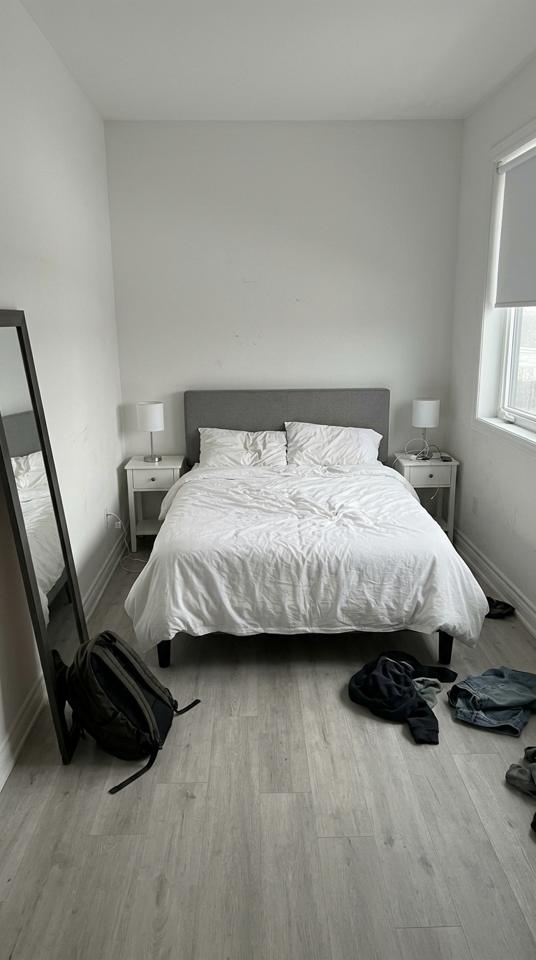
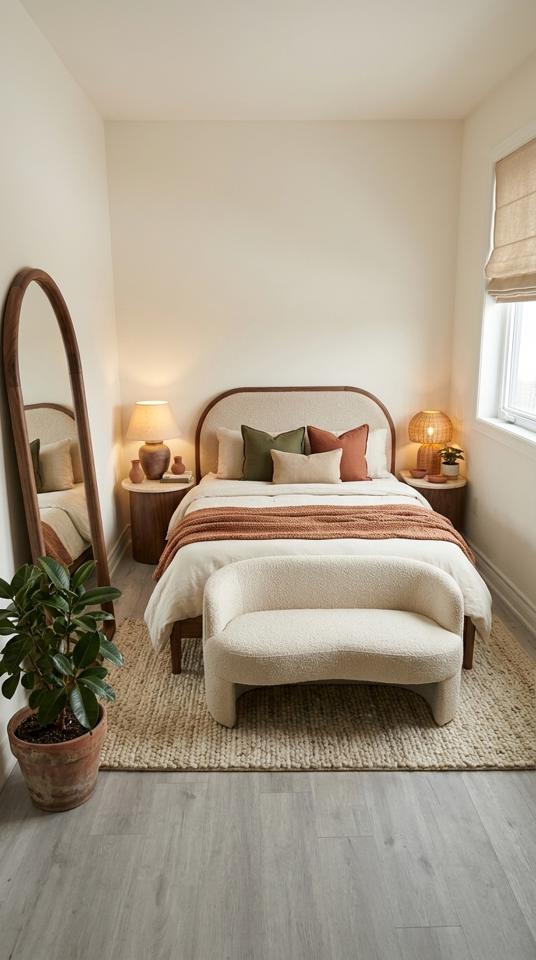
Drag the slider to compare
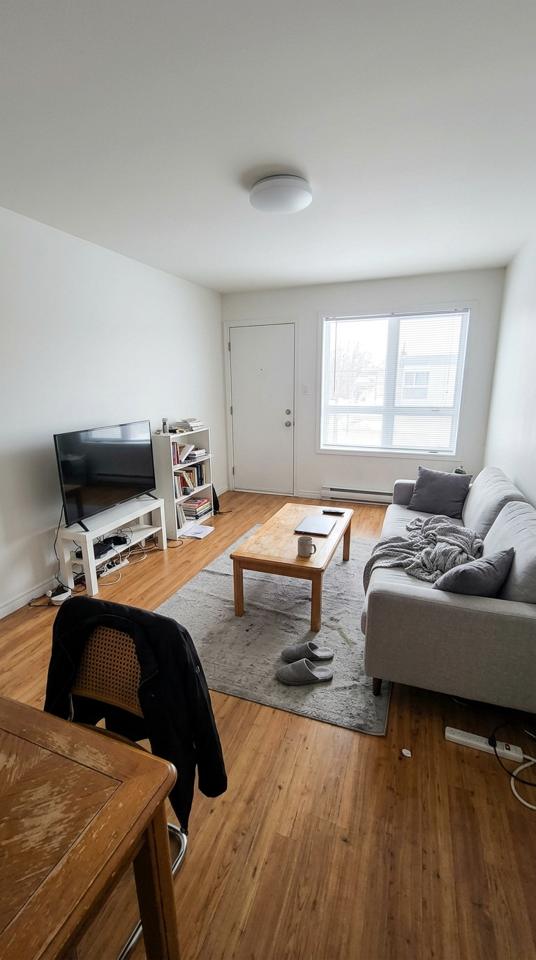
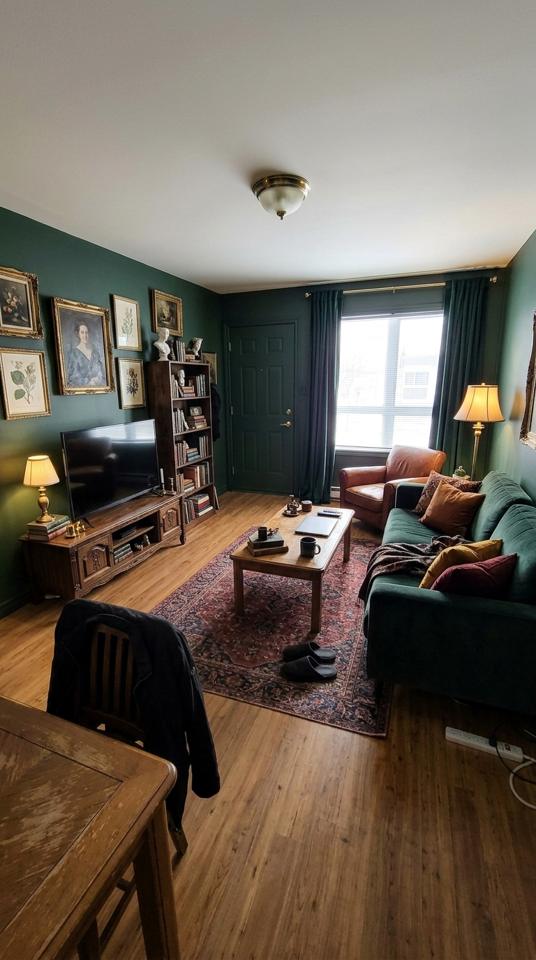
Join the waitlist: early access + 20 free redesignsSame living room. Six new looks.
Pick a style and the whole room changes, while the windows, doors and layout stay put.
Just want to see a paint colour?
Most AI room apps redraw everything when you only wanted new walls. CasaMuse changes only what you pick. Try a palette:
Then stack the next change on top: new bedding, a rug, softer light. Every step is saved, so you can go back.
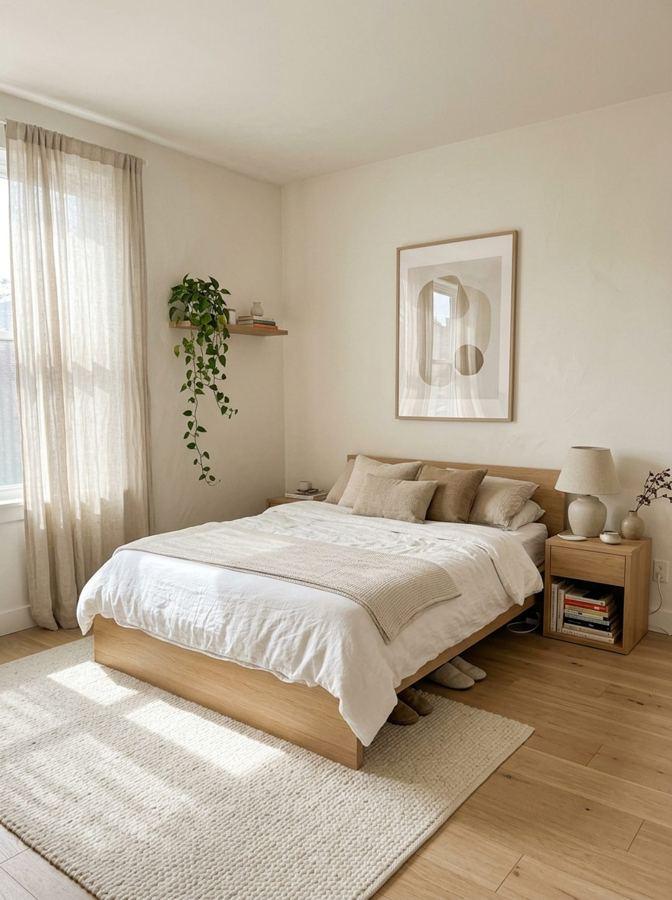
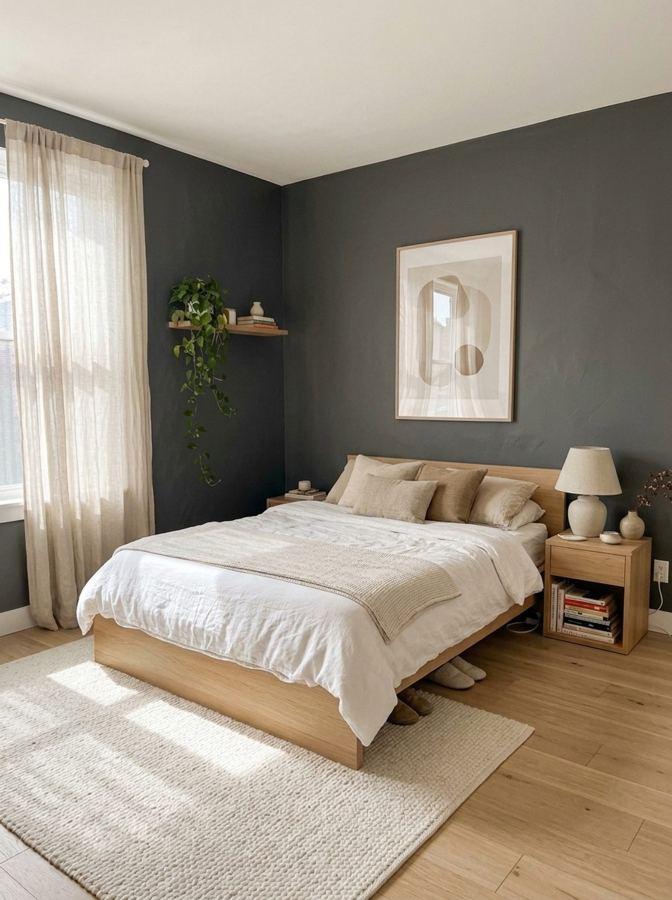
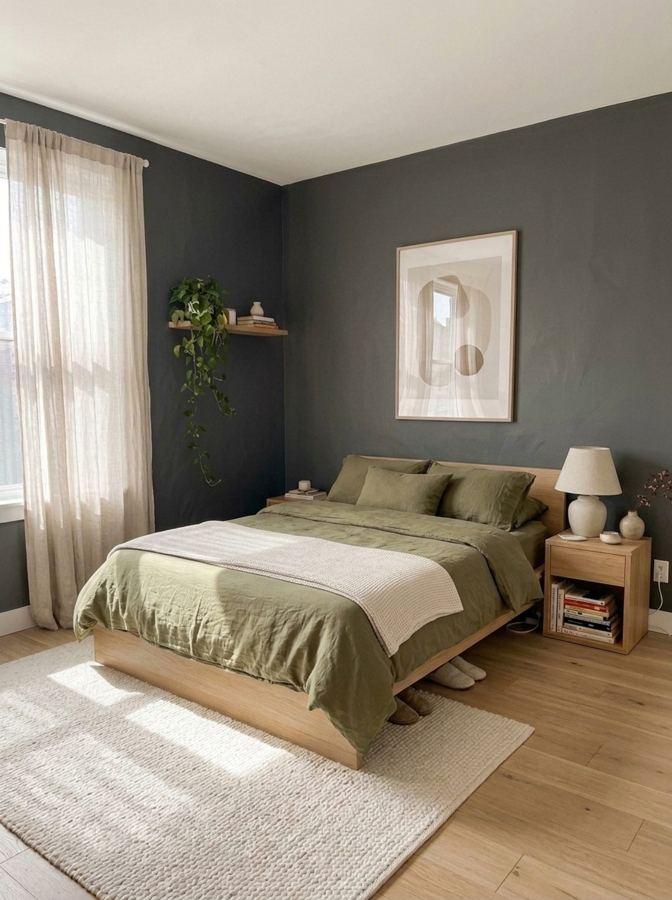
One empty wall, six ideas.
Snap a corner, a wall, an entryway or a nightstand and get ideas for that spot only.
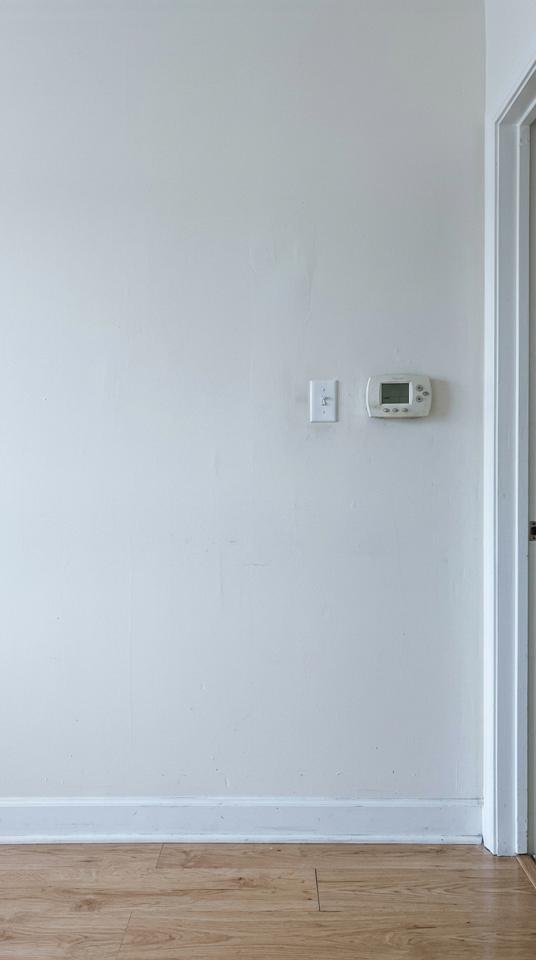
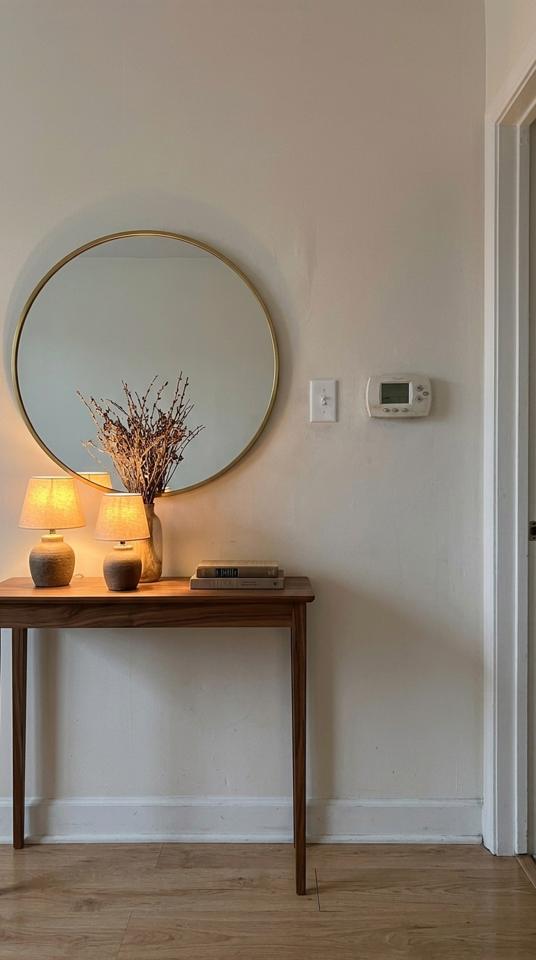
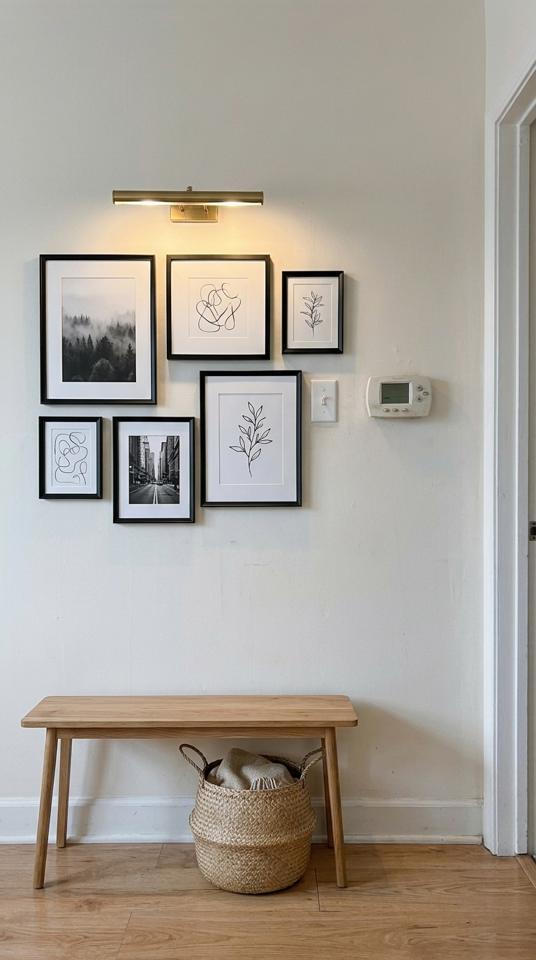
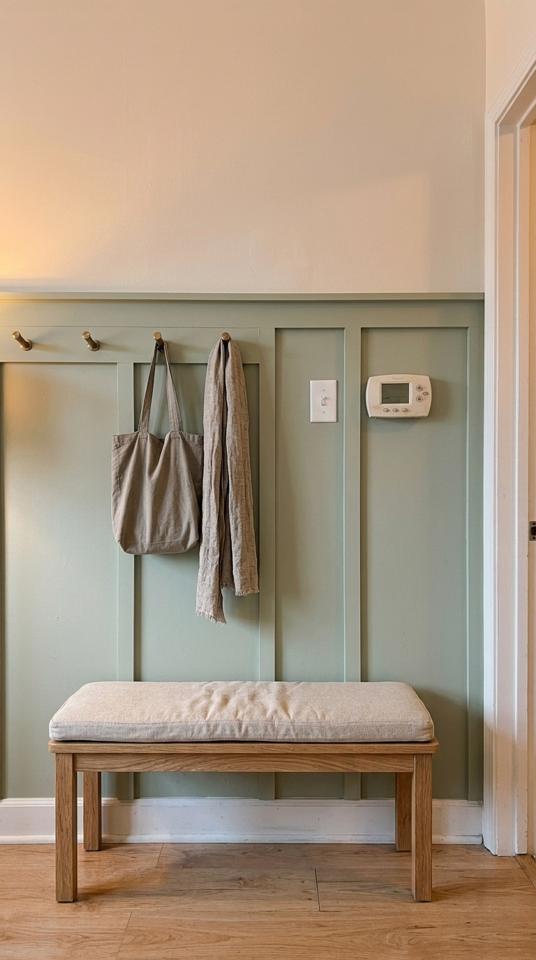
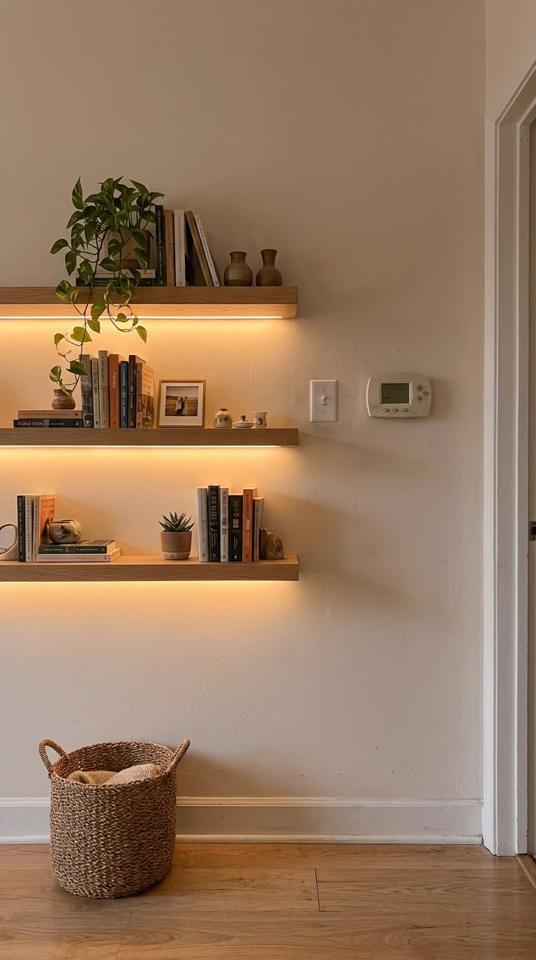
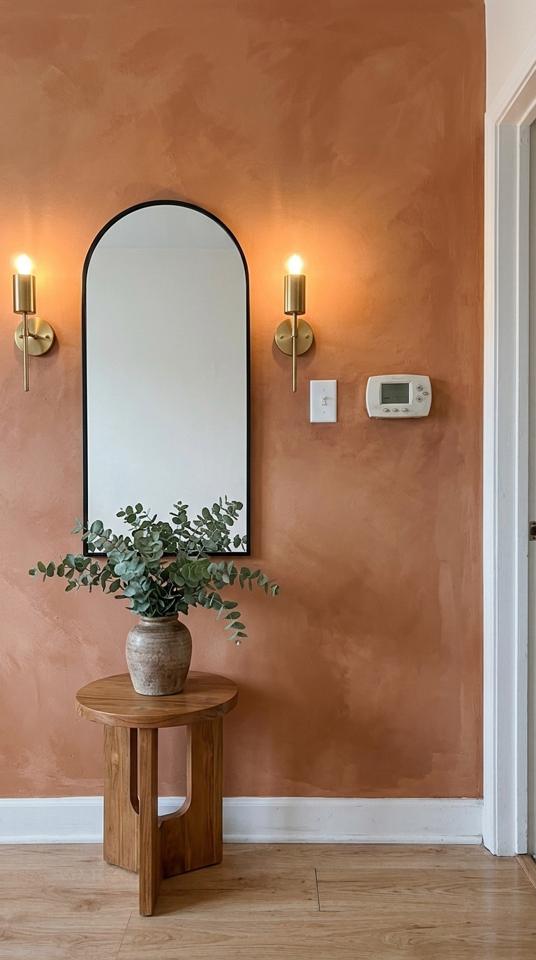
Start from the room you actually have.
Messy is fine. One tap clears the clutter, then style it.
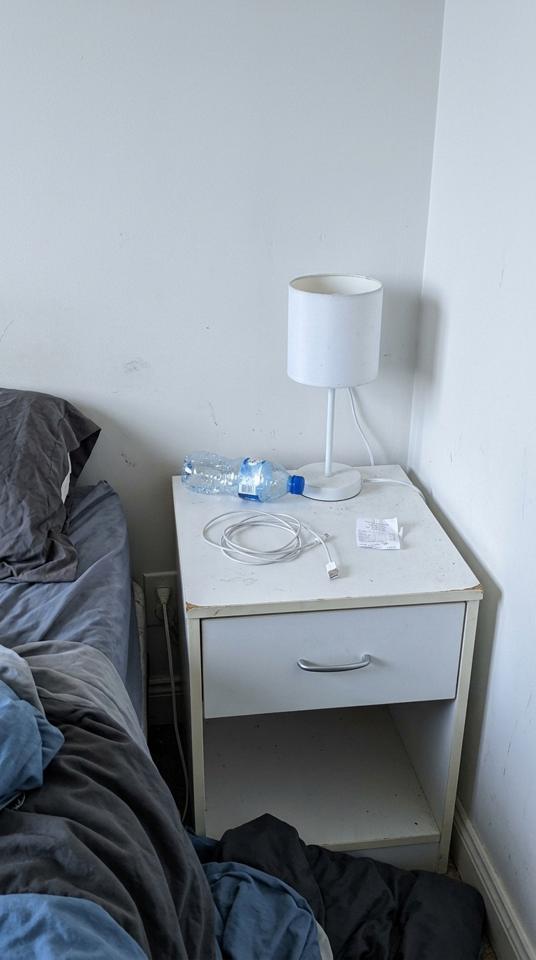
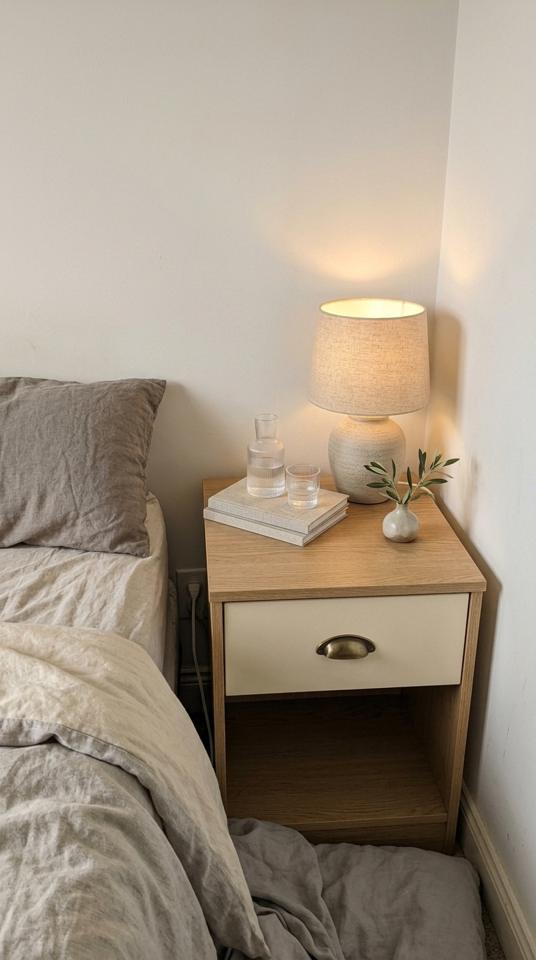
Nightstand
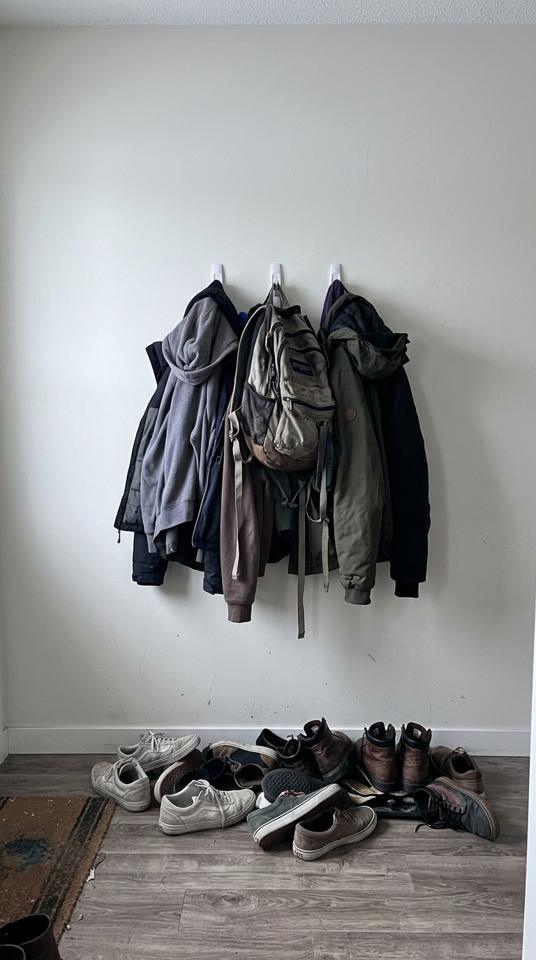
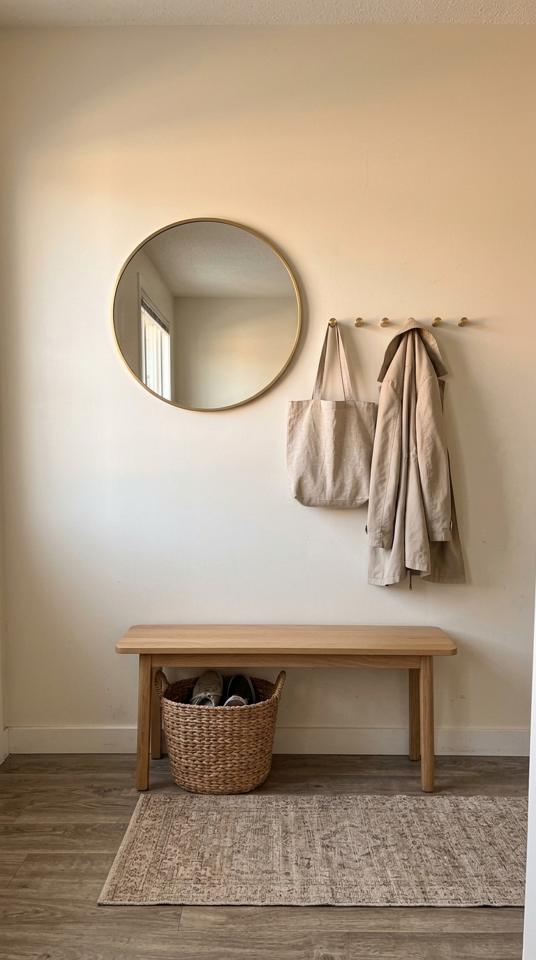
Entryway
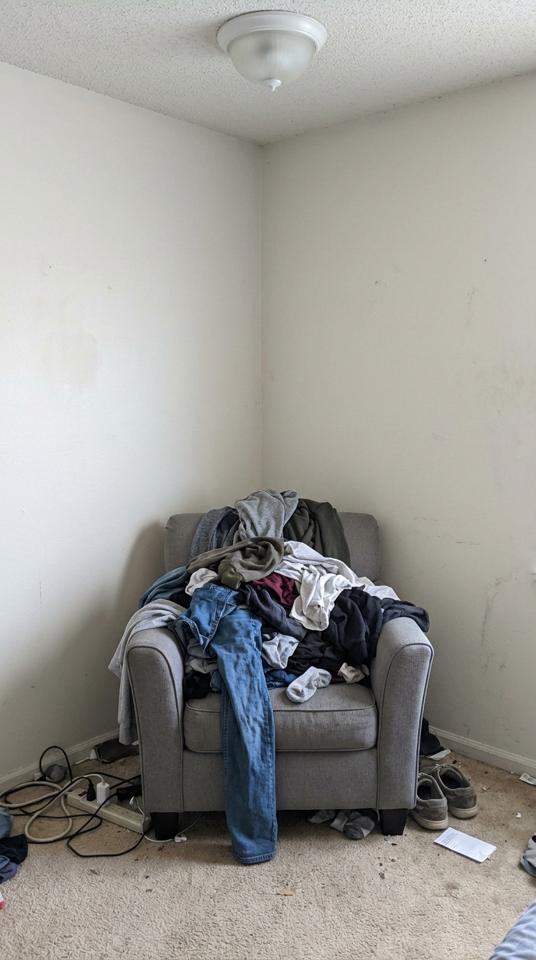
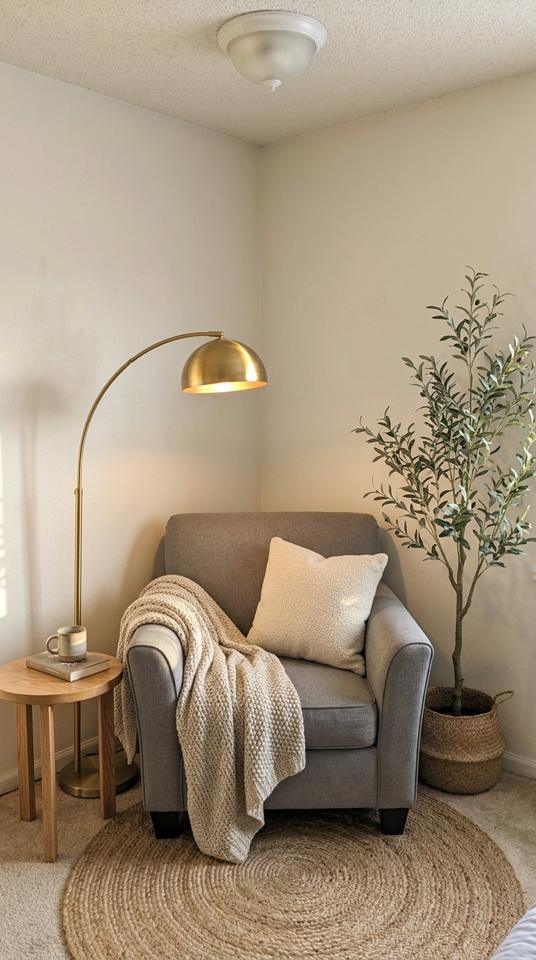
Reading corner
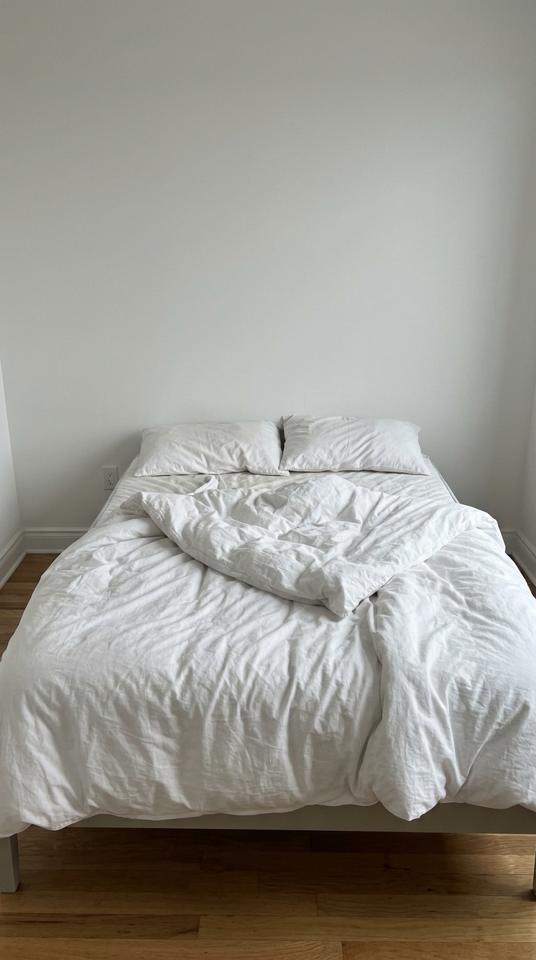
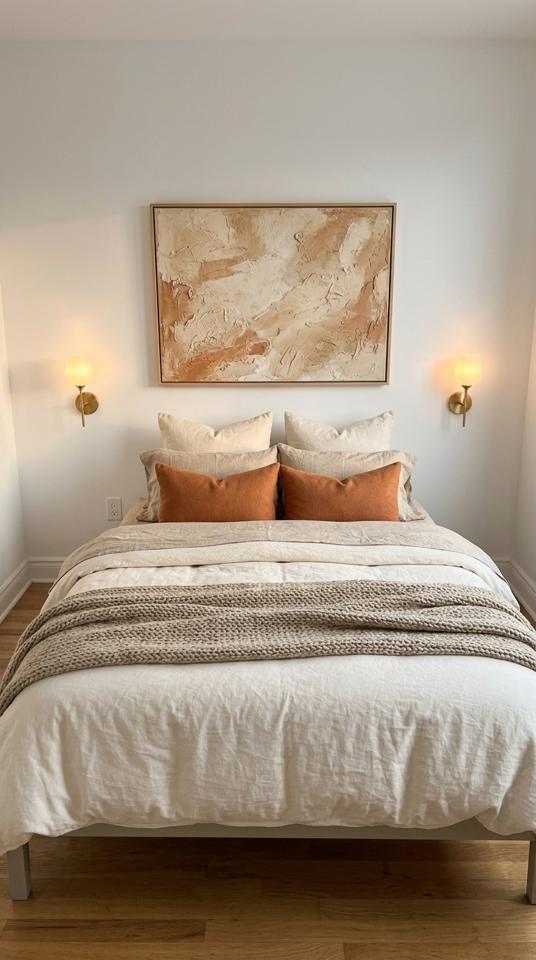
Bed
Three taps, no typing.
Take a photo
Of a whole room or just one spot. Living room, bedroom, kitchen, bathroom, dining room, office or kids' room.
Pick a style, or change one thing
Choose from styles like Japandi, Warm minimal or Coastal, or change just the walls, the floor, the sofa or the lighting. No prompts to write.
Compare and keep going
Drag the before/after slider, stack the next change, or go back to any step. Every room is saved as a project.
Built around what people hate about AI room apps.
Your room stays your room
Walls, windows, doors, ceiling and built-ins stay where they are. No surprise extra windows or moved doors.
Only what you choose changes
See just a paint colour without the whole room being redecorated. Then add the next change when you're ready.
Ideas for every part of the room
Everything you can try, with real option names instead of a blank text box:
Good to know
When can I get it?
CasaMuse is coming soon to the App Store for iPhone. Waitlist members get to try it early, before launch.
What do I get for joining the waitlist?
Early access before CasaMuse is on the App Store, and 20 free redesigns when it launches. We'll email you how to get both.
Will it change my whole room?
Only if you ask it to. Pick a full style for a complete makeover, or change one thing, like the walls, and everything else stays the same.
Do I need to describe what I want?
No. You pick from named styles and options, like "Sage" walls or "Warm & soft" lighting. No prompt writing.
Can I use it for just a corner or a shelf?
Yes. Choose "One spot" for a corner, a wall, an entryway, a nightstand, a mantel or a bathroom vanity.
Is it on Android?
Not at launch. CasaMuse starts on iPhone.
Be first to try it.
Waitlist members get:
- Early access to try CasaMuse before it's on the App Store
- 20 free redesigns when it launches
We'll only email you about early access and the launch.
Follow @casamuse1 on TikTok